Symbiosis Design.
Turn a brief
into creative work.
The creative studio in the Symbiosis ecosystem: websites, graphics, video, animation, 3D, presentations, documents and sound. Describe your task, share your brand materials and guide the AI agent.

Start with a visual direction, then develop it for your chosen format.
One project.
Every format.
A launch needs several kinds of creative work: a product page, a meeting deck, images and video. Symbiosis Design brings this work into one environment. Your brief and brand guidelines keep it consistent, while you review the agent’s work at every stage.
Explore capabilities
Different formats.
A shared character.

What the studio
can create.
Start with what your customers or team need to receive. The studio shapes the process around that output, whether it is an interactive page, a presentation or a set of publishing assets.
Web design
and interfaces
Build a landing page, an app screen or a dashboard. The output is working markup you can use to review the interface and its interactions.
Images, video
and voice
Prepare graphics, video, animation and voice for advertising, publishing or a product introduction.
Choose a format
for your project.
Pages and prototypes
Present an offer on a landing page or explore a user journey in a prototype with interactive interface elements.
Graphics shaped by your brand
Create illustrations, posters and images informed by your brief, references and company design guidelines.
Video and sound
Develop an idea through video, animation, motion graphics or voice. These formats are available in the same studio.

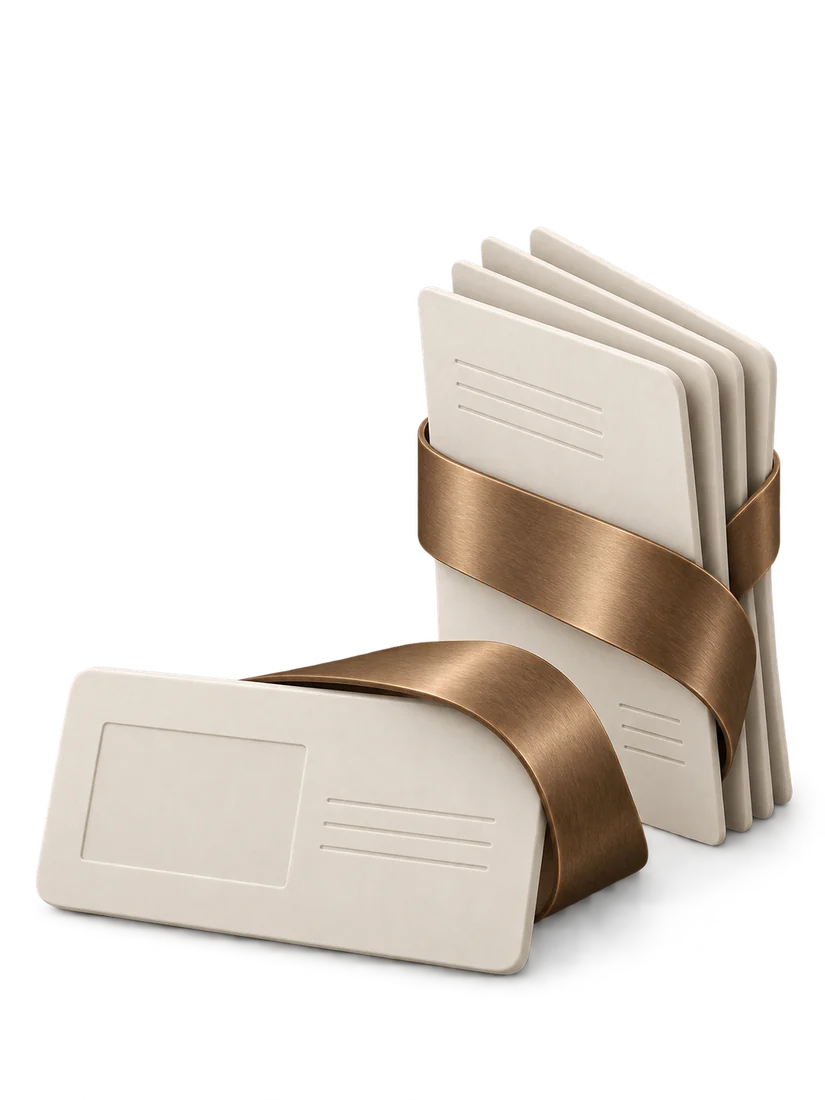
From a brief
to project files.
The agent proposes a plan and shows work in progress. You refine the direction and request changes before taking delivery.
Context →
Describe the task, audience and materials you need. Attach your copy, brand guidelines and useful references.
Direction →
Clarify the requirements with the agent: the format, visual direction and deliverables.

Work and feedback →
Follow the production plan. Comment on drafts and adjust the work as it develops.

File delivery
Review the preview, request final changes and export the files for further use.

Introduce a new product
A page explains your offer, a deck supports the conversation and visuals introduce the product. Build this set around a shared idea.
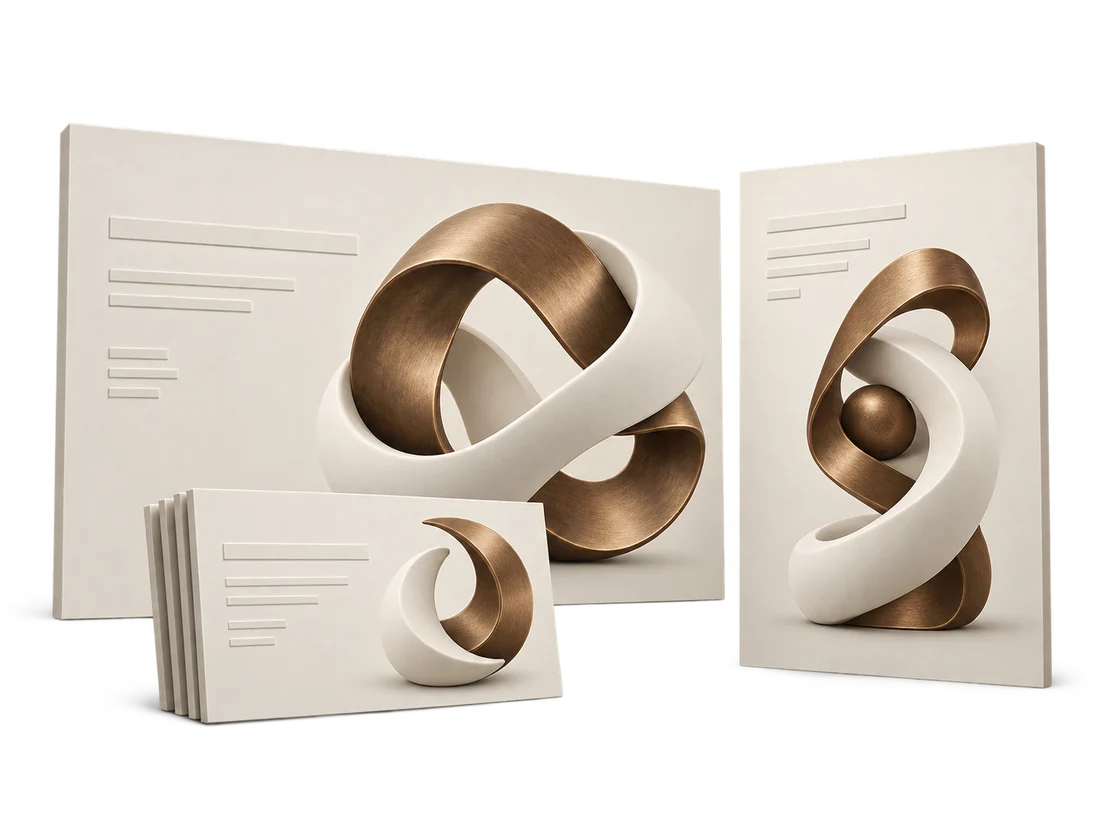
Develop your brand communications
Use your brand guidelines as a shared foundation for images, video and animation. Adapt each format to its channel while retaining the character of the brand.
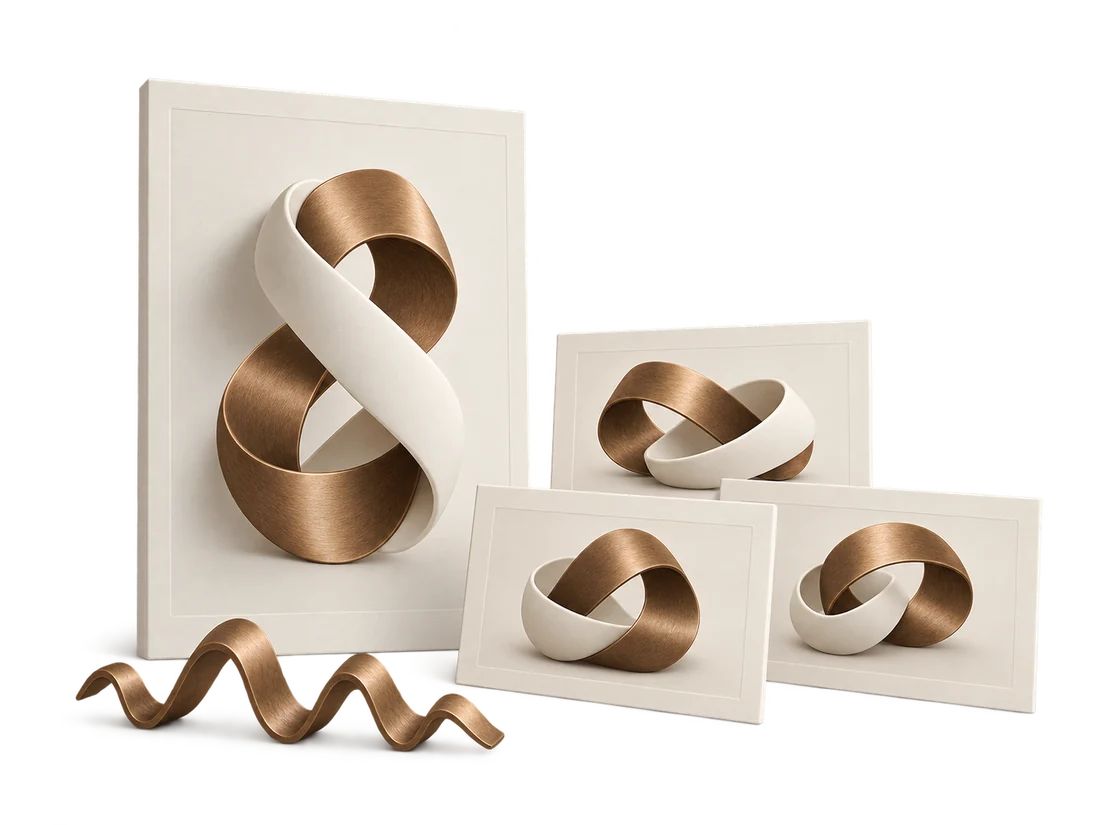
You make the decisions.
You keep the files.
Export the finished files from the studio. Continue working on them with your team or hand them to a specialist for the next stage.
Visit Symbiosis Design
What does your
project need?
Visit the dedicated Symbiosis Design website to learn about studio access. If you first need help defining your task and choosing an ecosystem product, contact the Symbiosis Lab team.